Invited by your landlord? Start here.
Pay rent.Get on with your day.
Pay by bank or card from your phone. Know what you owe. Keep proof you paid.
Sign in to pay rentFirst time? Check your inbox and spam for your invitation email from DoorStax.
Forgot your password?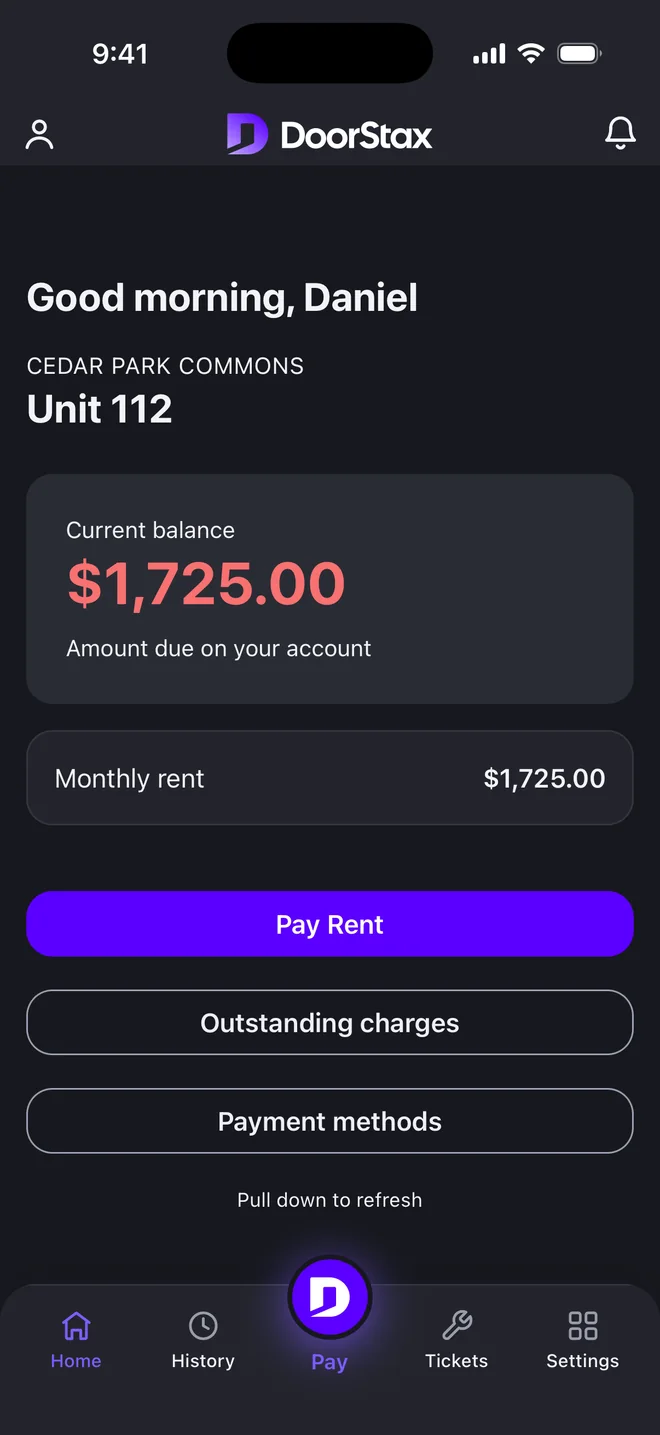
Real app. Demo data.
Know what you owe.
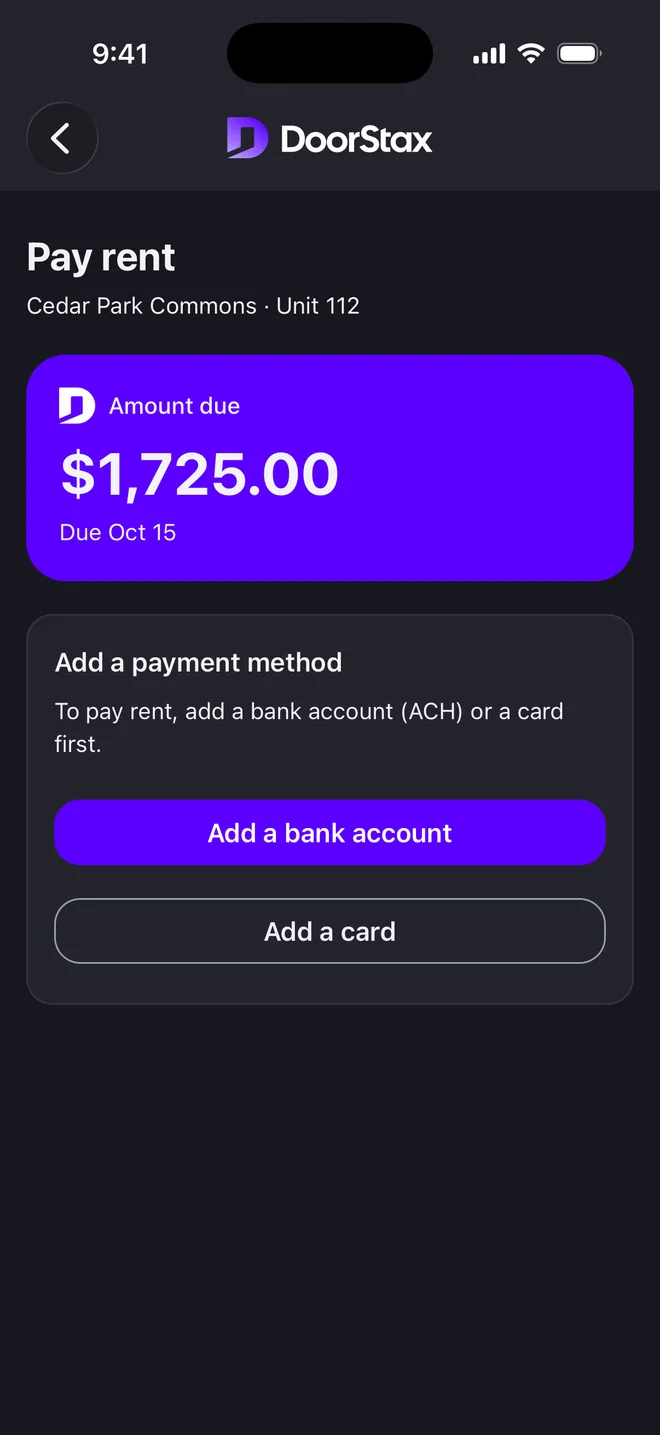
The amount due and the due date, before you pay.
Current rent
What is due, and when.
Outstanding charges
Anything beyond rent, listed.
Your balance
Balance, charges and payments, in one place.
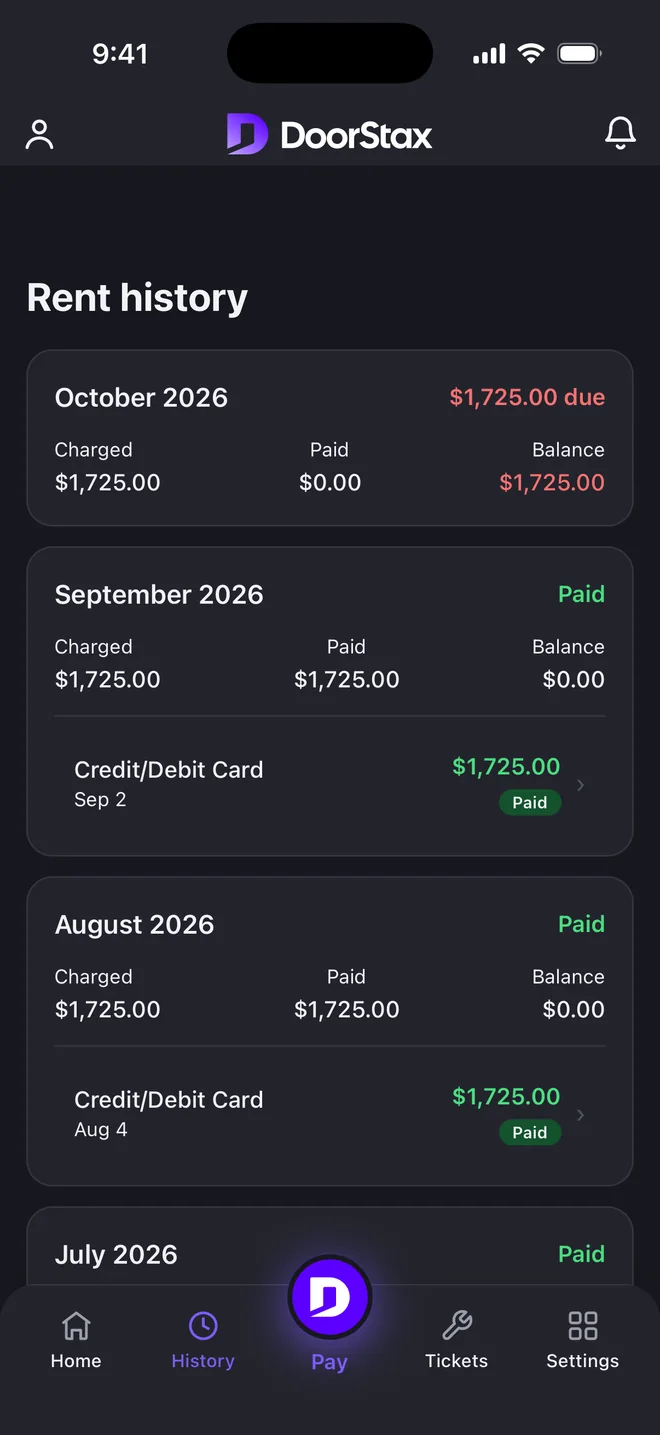
Keep proof you paid.
Every payment, charge and receipt, month by month.
Set up autopay.
Turn on autopay in the tenant portal and your rent payment starts on the due date from the method you choose. You can turn it off any time.
Report a problem. Follow it to done.
Send a maintenance request with photos from your phone, then follow its status until it is fixed.
Get the app.
Live now on Google Play. On iPhone, by invitation only at the moment.
Google Play and the Google Play logo are trademarks of Google LLC.
On iPhone, pay in your browser.
Pay in your browserGood to know
Your rent goes to your landlord or property manager.
You see the amount before you confirm.
A receipt for every payment.
Card processing by Kadima Payments. PCI DSS compliant.
Questions tenants ask
How do I get access to DoorStax?
DoorStax portals are invite-only: your landlord or property manager creates your account, and you’ll receive an email invitation to set it up. If you’re expecting one, check your inbox and spam for an email from DoorStax. If your building doesn’t use DoorStax yet, ask your landlord about it, or browse available rentals at doorstax.com/listings.
How do I pay my rent?
Sign in to the tenant portal or open the DoorStax app, choose a bank account or card, check the amount and confirm. You can see the payment in your history, and every completed payment has a receipt.
Will I see the amount before I confirm?
Yes. The payment screen shows the full amount before you confirm, so you know what you are about to pay.
Can I set up autopay?
Yes. Turn on autopay in the tenant portal and your rent payment starts on the due date each month from the method you choose. You can turn it off any time.
Where do I find my receipts and history?
In the app and in the tenant portal. Every payment and charge is listed month by month, and each completed payment has a receipt.
Can I report a maintenance problem?
Yes. Send a request with photos from your phone or the web, then follow it until it is done.
Is there a mobile app?
Yes. The DoorStax app is live on Google Play. On iPhone it is available by invitation only at the moment. You can also pay in your browser through the tenant portal.
Rent due?Done.
Sign in to pay, check your balance or send a maintenance request.
No invitation yet? Ask your landlord or property manager about DoorStax.
Need help? Ask your landlord or property manager, or write to support@doorstax.com.
Looking for a place to rent? Browse available rentals